
Made for this site
See this cast in motion
One real 5-second generation, exported as a vertical MP4. The characters are fictional AI references. This demonstration uses the same two-reference workflow as the studio.
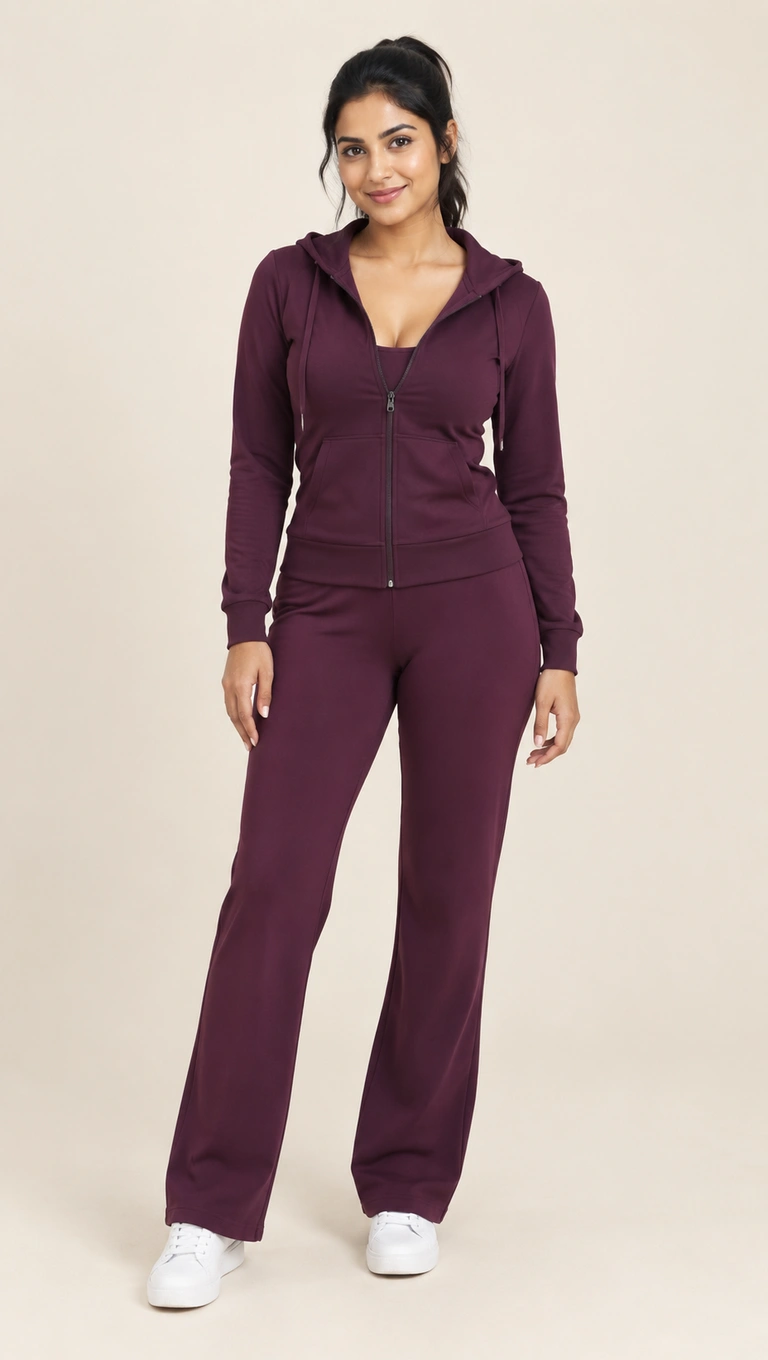
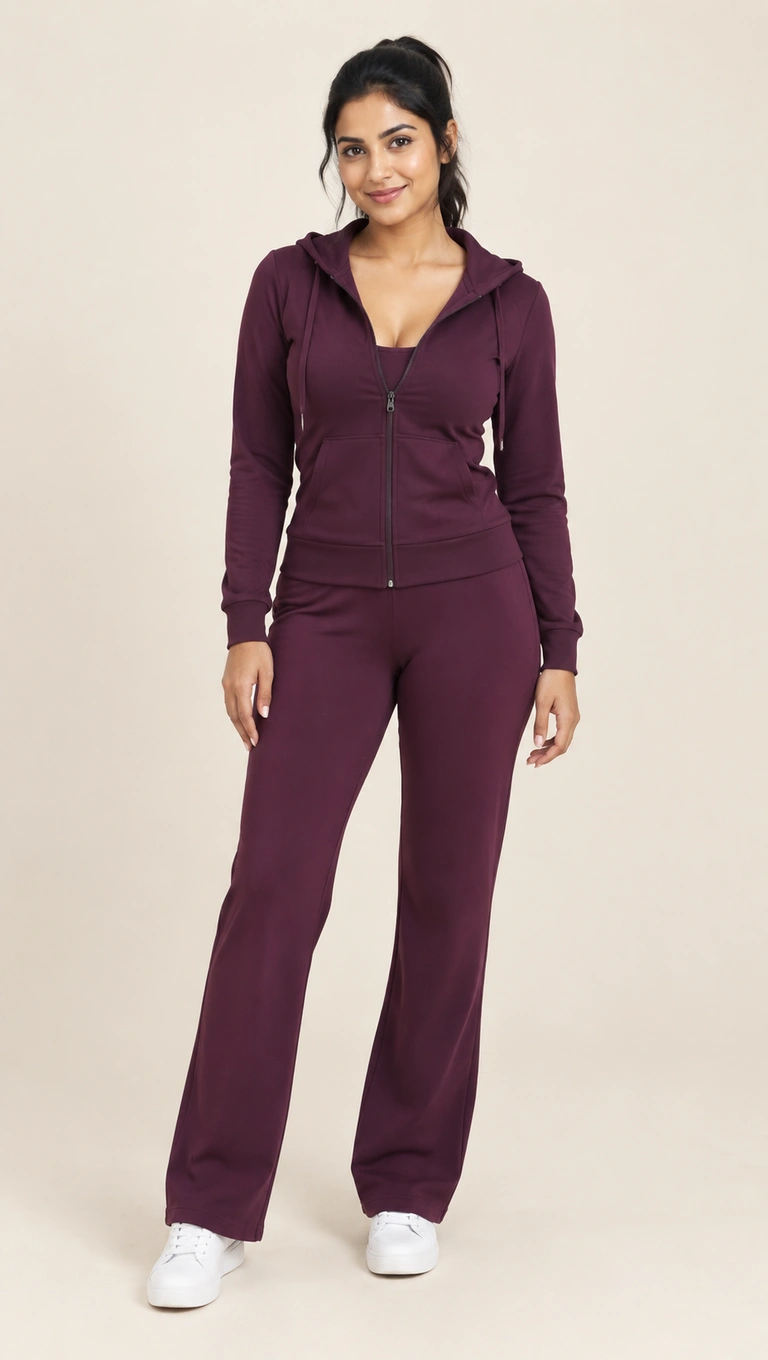
5 seconds · 150 credits · 720p. New accounts get 150 free credits once. Portrait fits the wide performance inside a 9:16 canvas.
How the solo version works
The underlying scene always has two performance positions. Solo means that one person or fictional character fills both positions; it does not remove the second performer or change the choreography into a one-person shot. The demonstration uses the same fictional adult reference for both sides, so you can judge this effect before generating.
Use one file twice, or two looks
For a matching pair, select the same full-body image in the left and right slots. For two versions of yourself, you can use separate permitted references showing different outfits. The model may interpret the two sides differently even when both uploads are identical, so perfectly matching faces and gestures are not guaranteed.
Keep the source image simple
Use a front-facing adult subject with the head, hands and shoes visible. Avoid a collage of multiple poses: the studio expects one character per image, even when both characters represent the same person. If you use your own artwork, choose a clear character drawing rather than an entire reference sheet.
Preview the effect before a longer cut
A 5-second job uses 150 credits, whether two people or one person fills the roles. Ten seconds uses 300 and fifteen uses 450. Reusing the same file does not halve the generation cost. Review both sides in the finished MP4 and label an AI depiction appropriately when you share it.
From the upload slots to your account
Choose the duration and format, confirm the credit total and sign in with Google. Rendering continues on the server if you close the page. When the MP4 is ready, open My Videos to play or download it. Failed jobs automatically return their reserved credits.
The audio follows the reference timeline. We do not grant rights to the underlying music or performance; commercial use may require separate permission. Read the usage terms and the complete preparation guide.
Questions about this cast
Does solo mean there is only one person on screen?
No. There are still two performers in the fixed scene. The solo workflow casts the same person or character in both positions.
Do I need to upload the same image twice?
Yes. Choose it once for the left slot and once for the right, or use the example button to load the site’s matching pair.
Can the two versions wear different outfits?
You can provide two separate images with different outfits. The model uses each reference for its assigned side, though small details can still change.
Plan your first take
Use the free-preview guide to check the welcome allowance, or compare one-time credit packs if you already used it.
Load this cast into the studio