
Make your first video in five steps
You can prepare the two uploads before signing in. Generation starts only after you confirm the selected duration, credit total and permission to use the images.
Prepare one image per performer
Choose two JPG, PNG or WebP files. Each should show one adult or fictional character, or one pet, with a clear outline and visible body. Obtain permission before using a real person’s likeness; images of anyone under 18 are not allowed.
Assign the left and right positions
Open the studio and place each file in the matching upload slot. The first image appears on stage left and the second on stage right. Use the previews to catch an accidental swap. You can remove an image and replace it before submission.
Choose duration and framing
Select 5, 10 or 15 seconds and review the corresponding 150, 300 or 450-credit total. Portrait is a 9:16 canvas that contains the complete wide performance with padding; landscape uses 16:9. Both options export at 720p.
Sign in and start the job
Continue with the Google account you want to keep using. New accounts get 150 free credits — enough for one 5-second preview. Read the rights confirmation and submit once. Your images and choices are kept through the sign-in step on the same browser.
Review the saved MP4
Open My Videos to follow progress. The job continues after you close the page, so there is no need to submit it again. When it completes, play the file with sound, inspect both characters and download the result. Use the job ID when requesting help.
Choose inputs the model can read
Look for three things: a face directed toward the camera, a body visible from head to feet, and one subject per file. A simple background helps distinguish clothing, hair and limbs. A dramatic portrait may look good on its own while providing too little information for a moving full-body character.
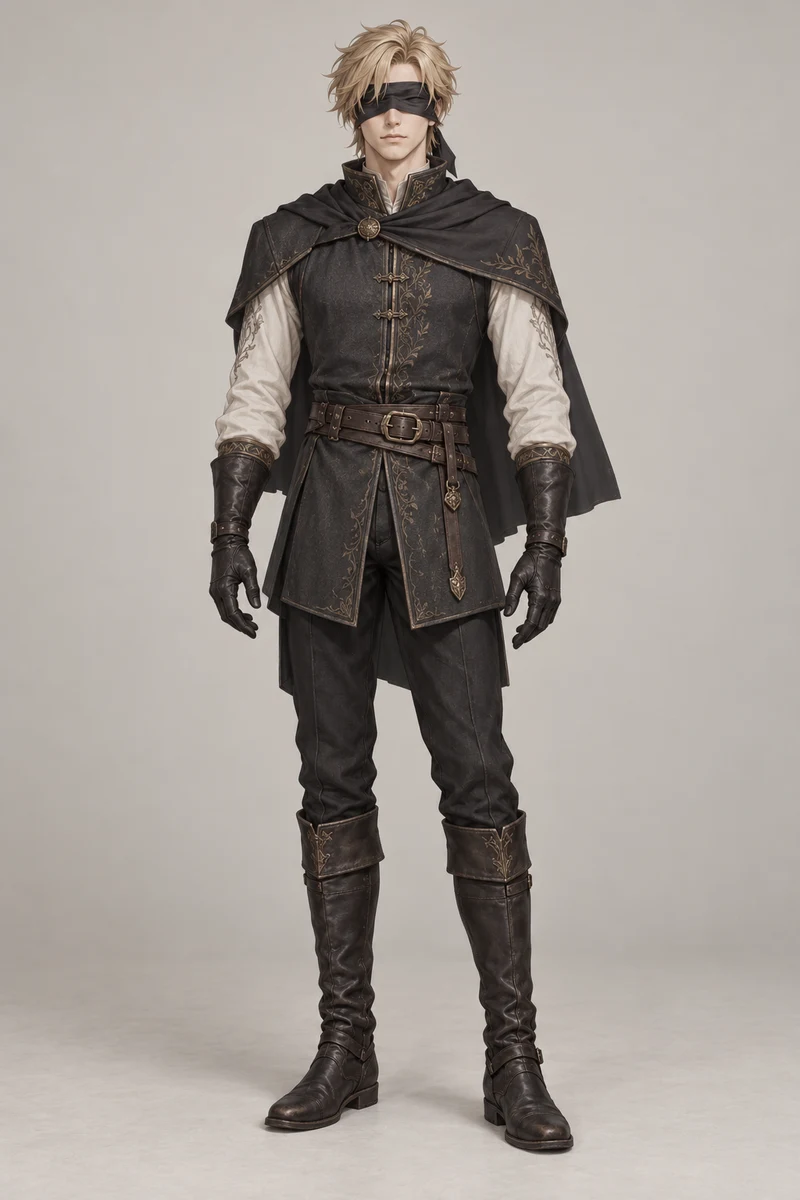
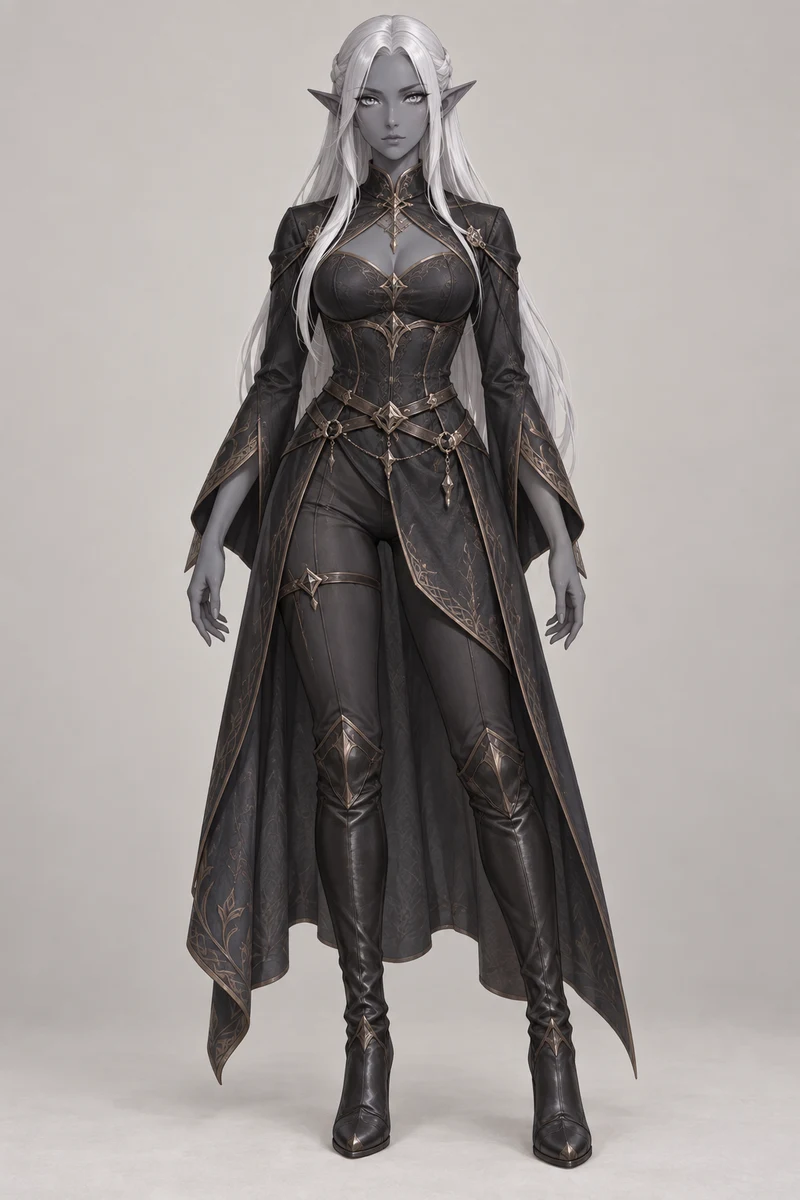
Compare these references with the anime duet. They demonstrate input selection, not a guarantee that another upload will match every detail.
| Check | Use | Change before you submit |
|---|---|---|
| Direction | A readable face looking toward the camera | A rear view, heavy shadow or an obscured face |
| Framing | Head, body, hands and feet inside the image | A tight crop that leaves the outfit or limbs unspecified |
| Subject count | One character against a clear background | A group photo or overlapping bodies |
| File limits | JPG, PNG or WebP; at least 128 × 128 pixels | More than 20 MB per file or more than 20 megapixels |
Budget by seconds, not by subscription
The rate is 30 credits for each second of 720p output: 150 for 5 seconds, 300 for 10 and 450 for 15. New accounts get 150 free credits — enough for one 5-second preview. That welcome allocation expires after 30 days and is granted once, rather than refreshing each day.
Additional credits come in one-time packs and expire after 12 months. Nothing renews automatically. The pricing page lists pack amounts and taxes; the studio displays the exact credit total for the job you are about to submit.
Let the server finish the render
The studio gives an approximate 3–8 minute range for a 5-second video. Ten- and fifteen-second jobs have longer estimates, and provider queues can extend any of them. These ranges are guidance, not a guaranteed delivery time.
Progress belongs to your account, not the open browser tab. You can return with the same Google login and check My Videos. If a job is processing or its submission is being checked, wait for that job rather than creating a duplicate.
Check the result before posting
- The sides are reversed
- Compare your two upload previews with the intended stage positions. Prepare the corrected pair before starting a new job.
- A face, hand or outfit changes
- AI can alter fine details. Try a clearer full-body reference with less obstruction; changing the source image is more useful than assuming an identical retry will fix it.
- The render fails
- The reserved credits return to your balance automatically. This restores generation credits; it does not refund a credit-pack payment.
- The delivered file is broken
- Note the job ID and describe the missing character, unreadable file or audio problem in an email to support@figuresofyou.com. See the refund policy for review and eligibility.
How is the audio handled?
Your video is cut to the beat of the reference clip, so the movement and the track stay in sync. We do not claim any rights to the underlying music or performance, and commercial use may require clearance from the rights holders.
Hotel Lobby AI Generator is an independent tool, with no affiliation to COLORS or the performers. Review the Terms of Service before generating or sharing a clip.