
Made for this site
See this cast in motion
One real 5-second generation, exported as a vertical MP4. The characters are fictional AI references. This demonstration uses the same two-reference workflow as the studio.
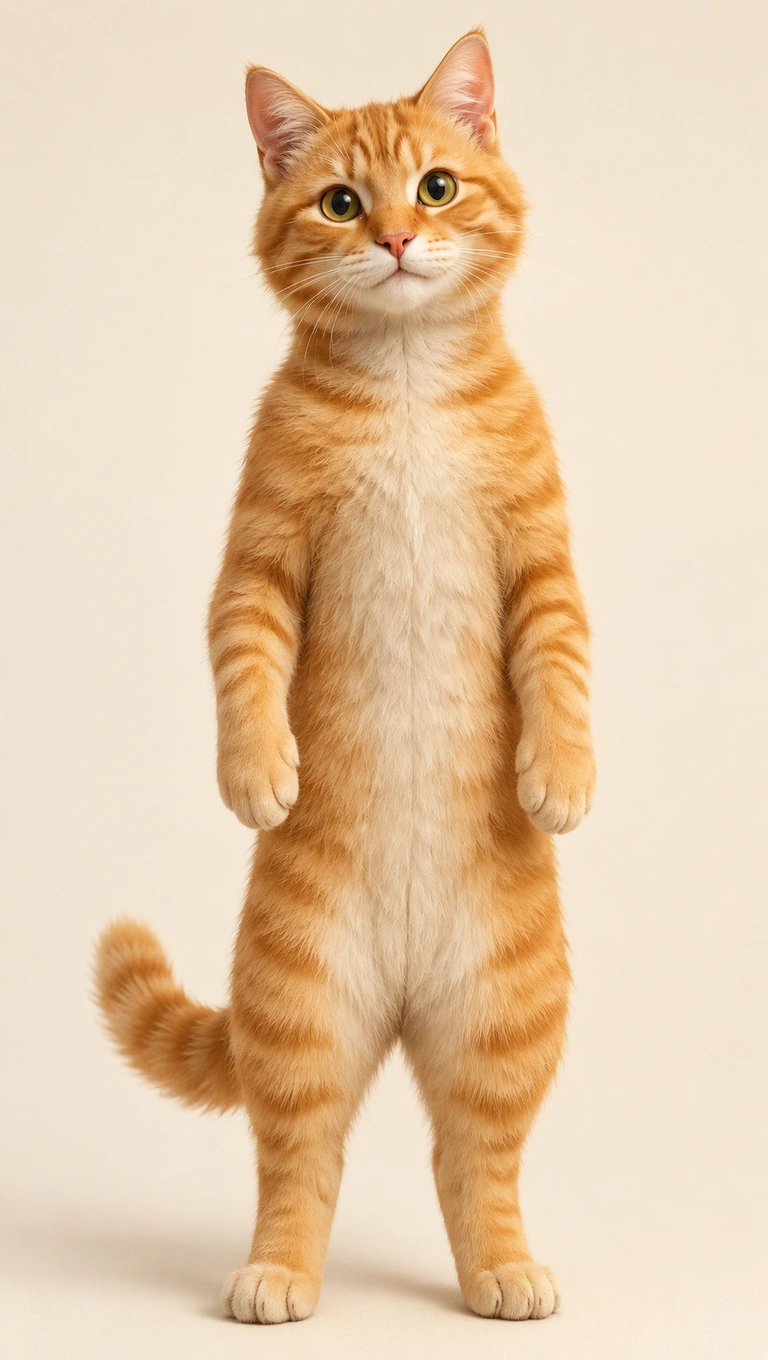
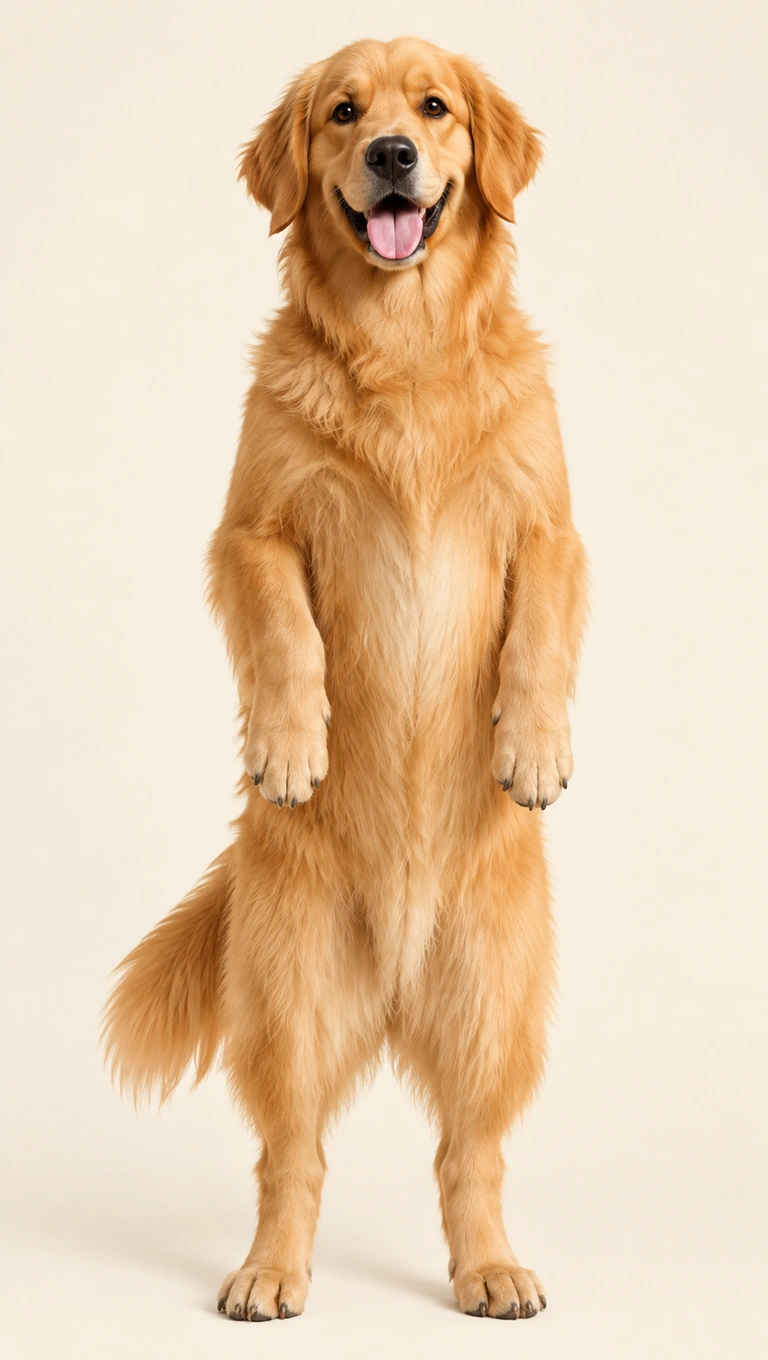
5 seconds · 150 credits · 720p. New accounts get 150 free credits once. Portrait fits the wide performance inside a 9:16 canvas.
Show the pet, not the hiding place
Choose an image where the animal’s face and body are easy to distinguish. A pet wrapped in a blanket, behind furniture or held against a person gives the model less information about its shape. Include ears and paws when possible. A calm standing reference is easier to interpret than a motion-blurred jump.
Expect an imagined performance
The reference clip uses two upright performers. Replacing them with animals produces a stylized result that may give paws and posture human-like movement. The output does not show something a real animal did or could comfortably do. This is a creative video effect, not a reason to pose or handle a pet unsafely.
Use one animal per file
Put the cat or first pet in the left slot, and the dog or second pet in the right. Do not use one image containing both animals. Contrasting fur colors can make the roles clearer. The illustrated references in this demonstration were generated for the site; you can instead use your own permitted animal photos.
Check more than the face
After rendering, inspect paws, ears, tails and the gap between the two performers. Motion can change body proportions or merge small details. A 5-second preview lets you assess the style before choosing a longer performance. The default portrait export retains the complete wide scene with padding rather than cutting off either animal.
From the upload slots to your account
Choose the duration and format, confirm the credit total and sign in with Google. Rendering continues on the server if you close the page. When the MP4 is ready, open My Videos to play or download it. Failed jobs automatically return their reserved credits.
The audio follows the reference timeline. We do not grant rights to the underlying music or performance; commercial use may require separate permission. Read the usage terms and the complete preparation guide.
Questions about this cast
Can I use two cats or two dogs?
Yes. Supply a separate image for each animal. Distinct coats or accessories can help you follow which reference maps to each side.
Will it look like natural animal movement?
No. The animals follow a staged two-person performance, so upright posture and gestures can be intentionally unrealistic.
Can one pet play both parts?
Yes. Place the same pet image in both slots. It still renders two roles and costs the same as any other clip of that duration.
Plan your first take
Use the free-preview guide to check the welcome allowance, or compare one-time credit packs if you already used it.
Load this cast into the studio