
Made for this site
See this cast in motion
One real 5-second generation, exported as a vertical MP4. The characters are fictional AI references. This demonstration uses the same two-reference workflow as the studio.
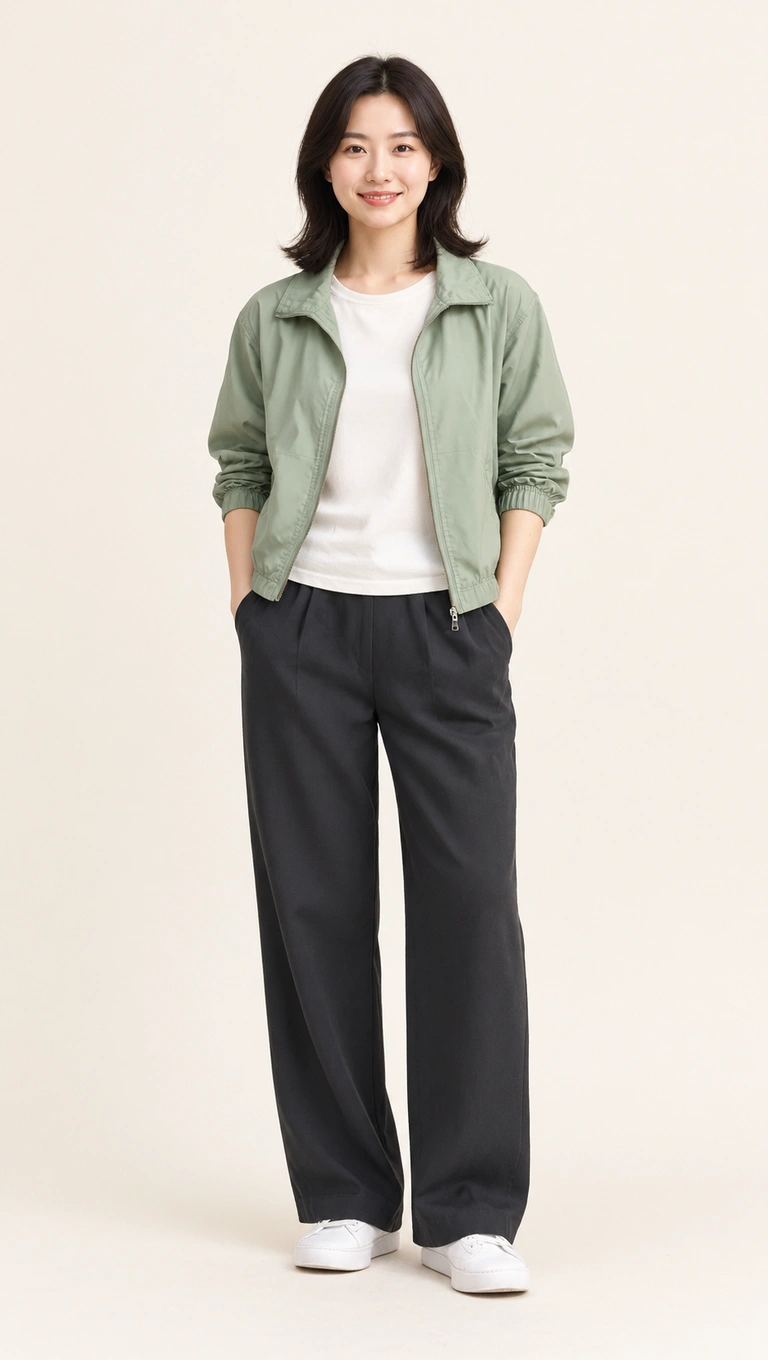
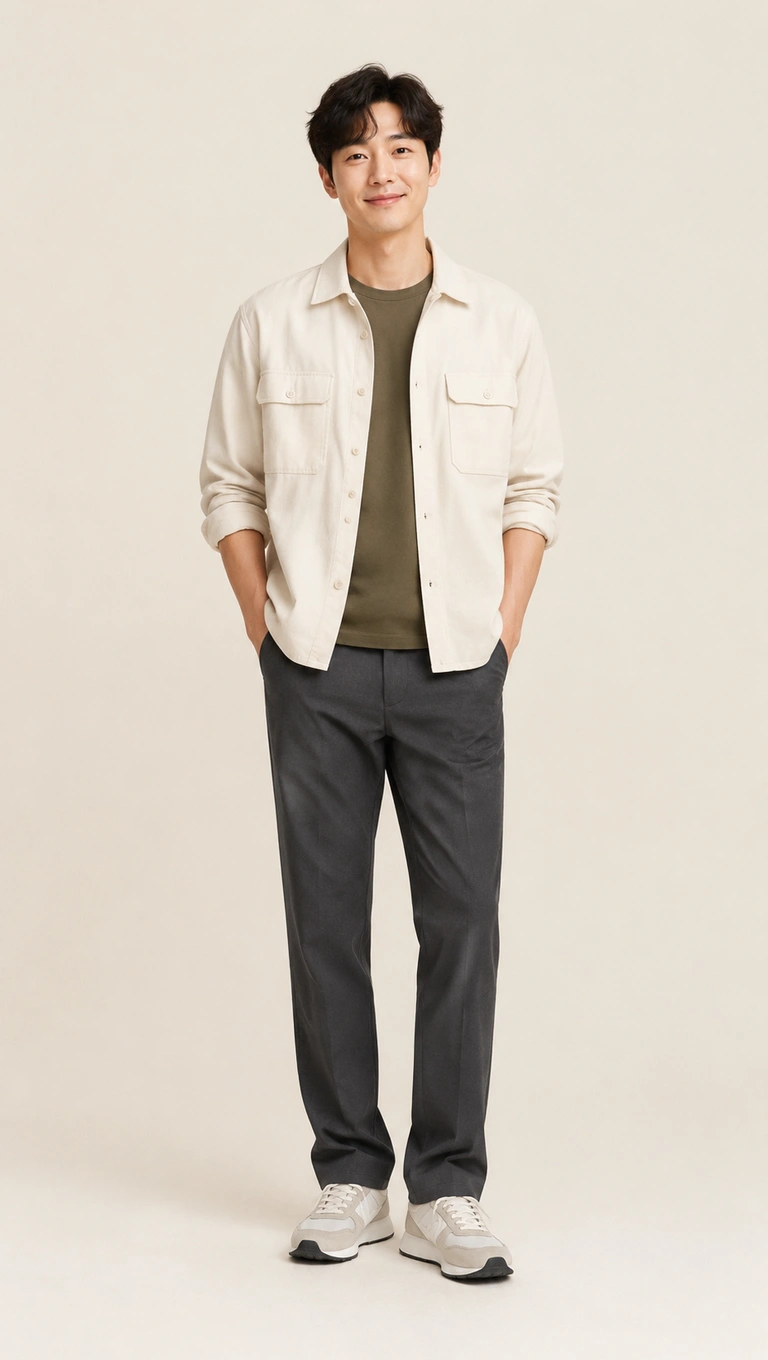
5 seconds · 150 credits · 720p. New accounts get 150 free credits once. Portrait fits the wide performance inside a 9:16 canvas.
Choose two photos that belong together
You do not need matching outfits or a photo taken on the same day. You do need permission from both adults and a clear reference for each of them. Pick similar framing — ideally head to feet — so one side does not leave much more of the outfit for the model to invent. A group or wedding photograph should be prepared as two separate single-subject files before upload.
Decide who takes each side
The left upload controls the stage-left character; the right upload controls stage right. This is a fixed two-person performance rather than a romantic scene generator. The clip will not add a hug, personal message or custom choreography. Treat it as a shared joke or a short duet, and review the output together before posting.
Start with one short take
A 5-second preview uses the 150 credits given to a new account. It is a useful way to inspect likeness and movement before selecting 10 or 15 seconds. A longer clip costs more credits and can take longer to finish; it is not a guarantee of a closer match to either photo.
What the demonstration shows
The demonstration uses fictional adult references created for this website, followed by a real video-generation job. Compare the sage jacket and cream overshirt with the moving characters. AI may alter small facial or clothing details. Both people remain visible in the portrait export because the wide scene is fitted into a vertical canvas.
From the upload slots to your account
Choose the duration and format, confirm the credit total and sign in with Google. Rendering continues on the server if you close the page. When the MP4 is ready, open My Videos to play or download it. Failed jobs automatically return their reserved credits.
The audio follows the reference timeline. We do not grant rights to the underlying music or performance; commercial use may require separate permission. Read the usage terms and the complete preparation guide.
Questions about this cast
Can we upload one photo with both of us?
Prepare one image for each partner. The studio requires two separate reference files so it can assign the left and right roles unambiguously.
Can I make it as a surprise for my partner?
Use a real person’s photo only with permission to use their likeness. A surprise occasion does not replace that permission.
Does the clip include our names or a dedication?
No. The generator produces the staged performance. You can add your own permitted caption or dedication in a separate editor after download.
Plan your first take
Use the free-preview guide to check the welcome allowance, or compare one-time credit packs if you already used it.
Load this cast into the studio